OpenAI Privacy Filter Session Export
fast-agent export --privacy-filter redacts likely private data from exported
session traces before the JSONL file is written locally or uploaded to a Hugging
Face URL.
Use it when you want to share a trace for debugging, evals, or dataset review but want a safer default than exporting raw prompts, messages, and tool output.
Best-effort redaction
Privacy filtering is a local data-minimisation aid, not anonymisation and not a compliance guarantee. It can miss private data and can redact benign text. Review sanitized exports before sharing them.
Quick start
Install fast-agent with the optional privacy dependencies:
Then export with filtering enabled:
On the first run, the OpenAI Privacy Filter model must already be in your local
Hugging Face cache. To allow the download explicitly, add
--download-privacy-filter:
The default model download openai/privacy-filter is about 1 GB. Future exports reuse the cached files.
What happens during export
With --privacy-filter, fast-agent:
- checks that the optional privacy dependencies are installed;
- resolves the OpenAI Privacy Filter ONNX model locally, or downloads it when
--download-privacy-filteris set; - scans exported text content locally with ONNX Runtime;
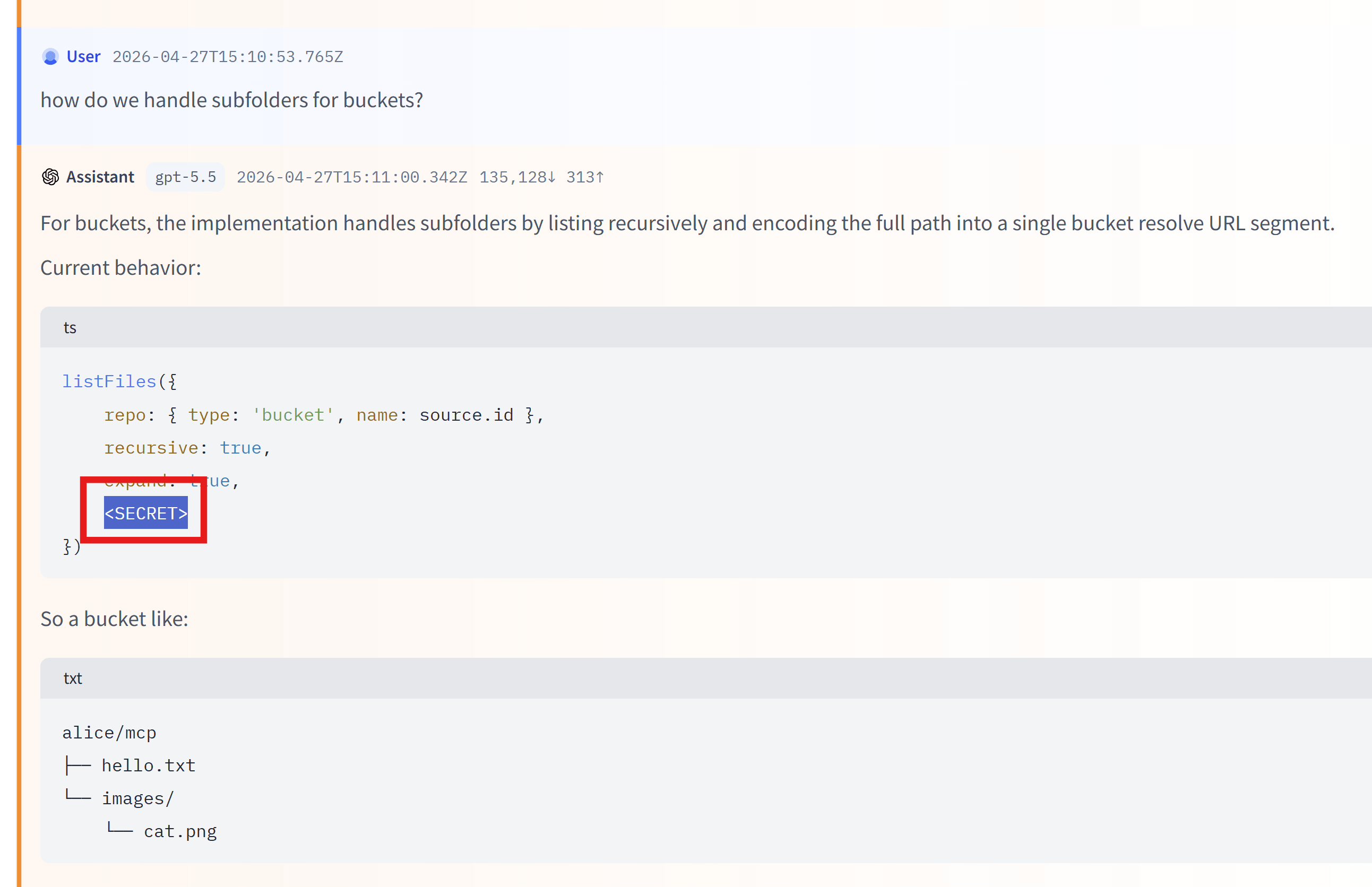
- writes a valid Codex-style JSONL trace with replacements such as
<PRIVATE_EMAIL>,<PRIVATE_PERSON>, and<SECRET>; - prints a compact summary of redaction counts.
Example summary:
The default output filename also changes so sanitized files are easy to spot:
Unfiltered exports continue to use:
Export examples
Write a sanitized trace locally:
Write to a specific file:
Download the model if it is not cached yet:
Use a model snapshot you already downloaded:
fast-agent export latest \
  --privacy-filter \
  --privacy-filter-path ~/.cache/huggingface/hub/path/to/snapshot
Upload the sanitized file to a Hugging Face URL:
Dataset URLs also work:
fast-agent export latest \
  --privacy-filter \
  --hf-url hf://datasets/your-name/fast-agent-traces/sanitized-trace.jsonl
Compatibility dataset option:
fast-agent export latest \
  --privacy-filter \
  --hf-dataset your-name/fast-agent-traces \
  --hf-dataset-path sanitized/
Privacy filtering runs before upload. The uploaded file is the sanitized JSONL file written by the export step.
Interactive command
Inside the interactive prompt, use /session export with the same options:
/session export latest --privacy-filter
/session export latest --privacy-filter --output sanitized-trace.jsonl
/session export latest --privacy-filter --hf-url hf://buckets/your-name/fast-agent-traces/
Options
| Option | What it does |
|---|---|
--privacy-filter |
Enable local privacy filtering. Required for all other privacy options. |
--download-privacy-filter |
Allow fast-agent to download the default model if it is not cached. |
--privacy-filter-path <path> |
Use a local OpenAI Privacy Filter model snapshot directory. |
--privacy-filter-device auto\|cpu\|cuda |
Choose the ONNX Runtime device. Defaults to auto. |
--privacy-filter-variant q4\|q4f16\|q8\|fp16 |
Choose the model variant. Defaults to q8. |
--privacy-filter-quant ... |
Alias for --privacy-filter-variant. |
--show-redactions |
Print detected labels and original snippets to stderr for local review. Do not use when logs are shared. |
The default model is:
The default variant is q8, which is a good CPU default. If you do not specify a
variant and q8 is not cached, fast-agent can reuse another cached variant
(q4, q4f16, or fp16) instead of forcing a re-download. If you specify a
variant explicitly, that exact variant must be present or downloadable.
CUDA users can try q4f16 or fp16 explicitly:
fast-agent export latest \
  --privacy-filter \
  --privacy-filter-device cuda \
  --privacy-filter-variant q4f16
What is filtered
The privacy filter is applied to text-bearing parts of the exported Codex JSONL trace, including:
- base instructions and system/developer prompt text included in the export
- user messages
- assistant messages
- assistant reasoning summaries
- tool-call argument strings
- tool result text
- embedded text resources
- turn summaries such as user event text and last assistant message
The export remains structurally valid JSONL. IDs, timestamps, model/provider fields, tool names, call IDs, session metadata paths and other structural fields are preserved.
Large text blocks are scanned in bounded token windows, so tool outputs and logs do not need to fit into one model call. Advanced users can tune the window size:
FAST_AGENT_PRIVACY_FILTER_MAX_WINDOW_TOKENS=4096
FAST_AGENT_PRIVACY_FILTER_WINDOW_OVERLAP_TOKENS=128
What is not filtered
The privacy filter does not redact every structural or binary field. In particular, review traces that include:
- file paths, directory names, and filenames
- resource URLs, file URLs, or image URLs
- image data
- audio data
- embedded base64 file data
- non-text payloads
If a filename, URL, or MIME type is included inside a larger generated text block, that text block is scanned. Standalone structural attachment fields are preserved.
Troubleshooting
Missing dependencies
If the privacy extra is not installed, export fails before model lookup and lists the missing packages. Install with:
For a uv tool install, reinstall or upgrade the tool with the privacy extra:
Model is not cached
By default fast-agent will not start a surprise 1 GB download. Run again with:
or provide a local model directory:
Review what was redacted
For local-only debugging, add --show-redactions:
This prints detected labels and original snippets to stderr. Do not enable it in CI or in logs you plan to share.
Trace metadata
Sanitized exports include privacy-filter metadata on the first session_meta
record. The metadata records that filtering was applied, which backend/model was
used, known limitations, and redaction counts:
{
  "privacy_filter": {
    "applied": true,
    "mode": "content-only",
    "backend": "onnxruntime",
    "model": {
      "repo_id": "openai/privacy-filter",
      "revision": "7ffa9a043d54d1be65afb281eddf0ffbe629385b",
      "variant": "q8"
    },
    "redactions": {
      "total": 12,
      "by_label": {
        "private_person": 4,
        "private_email": 3,
        "secret": 5
      },
      "elapsed_seconds": 4.321
    },
    "limitations": [
      "file_paths_not_redacted",
      "directory_names_not_redacted",
      "filenames_not_redacted",
      "resource_urls_not_redacted",
      "binary_payloads_not_redacted",
      "images_audio_not_redacted"
    ]
  }
}