Structured Outputs
fast-agent supports structured JSON generation using Schemas or Pydantic Models.
The best technique for producing an output is automatically used depending on the chosen model and provider. See Using Tools with Structured Outputs for advanced configuration.
CLI
fast-agent generates Structured Outputs from the CLI by specifying either a JSON Schema or Pydantic Model.
Use the --json-schema option to supply a schema path or URI, and prompt with --message <TEXT> or --prompt-file <PATH_OR_URI>.
{
"$schema": "https://json-schema.org/draft/2020-12/schema",
"title": "RecommendationCollection",
"type": "object",
"properties": {
    "recommendations": {
    "type": "array",
    "items": {
        "type": "object",
        "properties": {
        "title": {
            "type": "string"
        },
        "author": {
            "type": "string"
        },
        "genre": {
            "type": "string"
        },
        "publicationYear": {
            "type": "integer",
            "minimum": 0
        }
        },
        "required": ["title", "author", "genre", "publicationYear"],
        "additionalProperties": false
    }
    }
},
"required": ["recommendations"],
"additionalProperties": false
}
To use a Pydantic Model:
from pydantic import BaseModel, ConfigDict, Field


class BookRecommendation(BaseModel):
    model_config = ConfigDict(extra="forbid", populate_by_name=True)

    title: str
    author: str
    genre: str
    publication_year: int = Field(alias="publicationYear", ge=0)


class RecommendationCollection(BaseModel):
    model_config = ConfigDict(extra="forbid")

    recommendations: list[BookRecommendation]
Structured Outputs can be used with Tools, custom System Prompts (with --instruction) or Agent Cards (--card):
fast-agent go \
  --model gpt-5.5 \
  --card review-agent.md \
  --shell \
  --json-schema ./code-review.schema.json \
  --message "Review the current repository branch for uncommitted changes and \
differences from main. Identify the main features and assess their size, risk \
and touched files."
Many items can be loaded from remote sources (http or hf:// URIs), making fast-agent perfect for zero install automation and orchestration:
uvx fast-agent-mcp@latest \
  --card hf://buckets/evalstate/demo-bucket/ai-news-summary-card.md \
  --json-schema hf://buckets/evalstate/demo-bucket/ai-news-schema.json \
  --message "Summarize the AI Industry news for the last 24 hours"
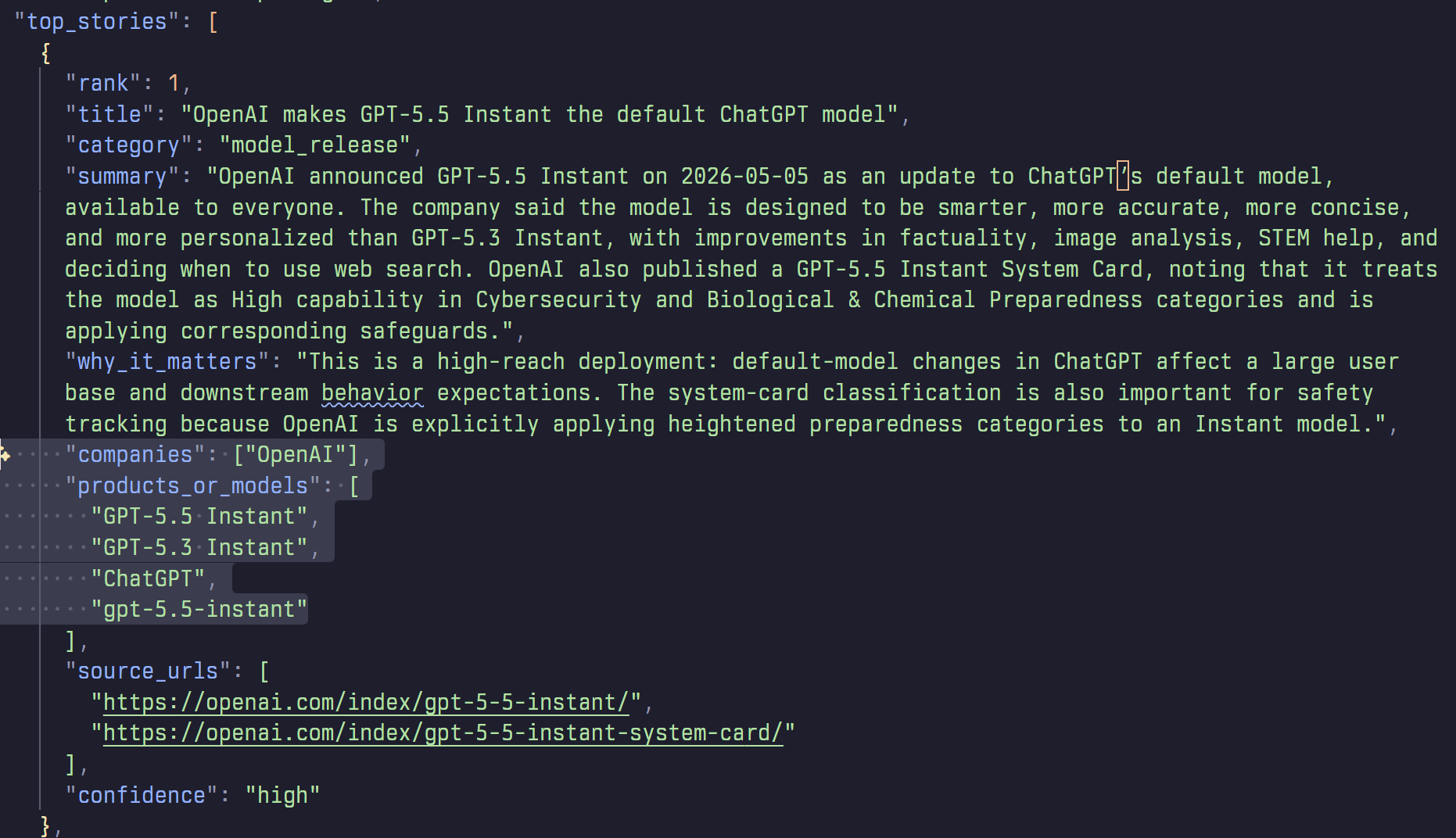
Browse the example files here
API
The fast-agent API supports using either a Pydantic Model or JSON Schema:
import asyncio

from pydantic import BaseModel

from fast_agent import FastAgent


class CityInfo(BaseModel):
    name: str
    country: str
    population: int
    landmarks: list[str]


fast = FastAgent("Pydantic Model Example", quiet=True)


@fast.agent("city", instruction="Return accurate tourist information.")
async def main() -> None:
    async with fast.run() as agent:
        result, _ = await agent.city.structured(
            "Tell me about Paris",
            CityInfo,
        )

    if result is not None:
        print(result.model_dump_json(indent=2))


if __name__ == "__main__":
    asyncio.run(main())
import asyncio
import json

from fast_agent import FastAgent
from fast_agent.mcp.prompt import Prompt
from fast_agent.llm.request_params import RequestParams


CITY_INFO_SCHEMA = """
{
"type": "object",
"properties": {
    "name": {
    "type": "string"
    },
    "country": {
    "type": "string"
    },
    "population": {
    "type": "integer"
    },
    "landmarks": {
    "type": "array",
    "items": {
        "type": "string"
    }
    }
},
"required": ["name", "country", "population", "landmarks"],
"additionalProperties": false
}
"""


fast = FastAgent("schema text generate example", quiet=True)


@fast.agent("city", instruction="Return accurate tourist information.")
async def main() -> None:
    schema = json.loads(CITY_INFO_SCHEMA)

    async with fast.run() as agent:
        message = await agent.city.generate(
            "Tell me about Paris",
            request_params=RequestParams(structured_schema=schema),
            # supply the schema with request_params
        )

        result = json.loads(message.last_text() or "{}")
        print(json.dumps(result, indent=2, ensure_ascii=False))


if __name__ == "__main__":
    asyncio.run(main())
ACP (Agent Client Protocol)
fast-agent supports an experimental ACP capability (co.huggingface.structuredOutput) for generating Structured Outputs via ACP.
The capability is advertised as follows:
{
  "jsonrpc": "2.0",
  "id": 0,
  "result": {
    "protocolVersion": 1,
    "agentCapabilities": {
      "promptCapabilities": {
        "image": true,
        "embeddedContext": true
      },
      "_meta": {
        "co.huggingface": {
          "structuredOutput": true
        }
      }
    }
  }
}
Clients can request a Structured Output conforming to a schema by passing the following _meta:
fast-agent will then return generated JSON within the normal ACP TextContent response.
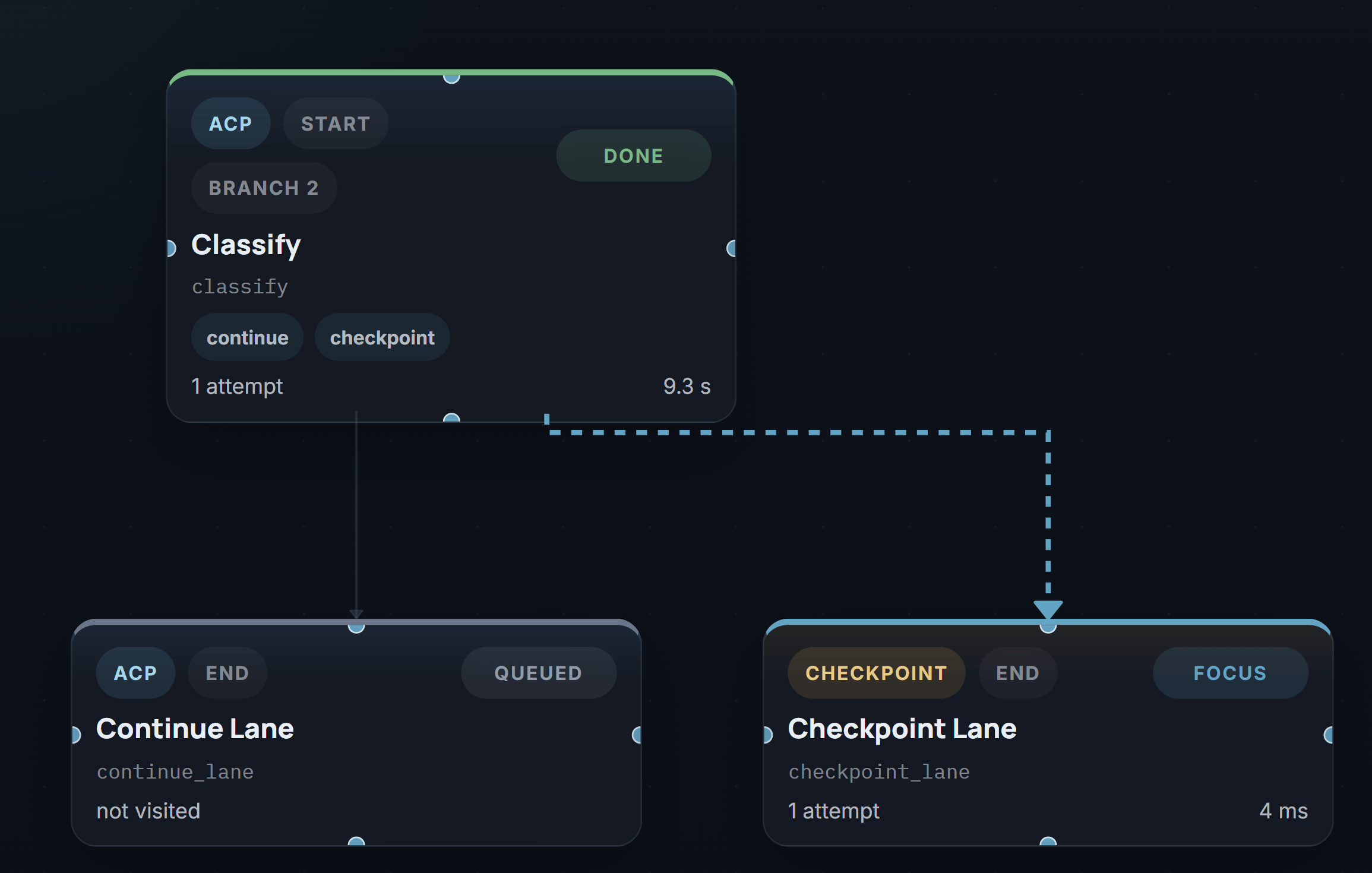
This feature is compatible and tested with this fork of ACPX: https://github.com/evalstate/acpx
Using Tools with Structured Outputs
From fast-agent 0.7.0, Tool Calls and Structured Outputs are combined in a single User turn for supported models.
For models that don't support both in a single turn, the default is to disable tools in calls with a structured output.
This can be overridden by setting the structured-tool-policy. The policy can be set through a command line flag, or on RequestParams. Available policies are:
| Policy | Behaviour |
|---|---|
auto |
Use configuration in the Model Database |
no_tools |
Do not send Tool Definitions when producing a Structured Output |
always |
Force sending Tool Definitions when producing a Structured Output |
defer |
Use a two-phase call; first call with Tools, second to create Structured Output |
To set with the CLI, use --structured-tool-policy alongside --json-schema:
fast-agent go \
  --model gpt-5.5 \
  --shell \
  --json-schema ./code-review.schema.json \
  --structured-tool-policy defer \
  --message "Review the current repository branch for uncommitted changes and \
differences from main. Identify the main features and assess their size, risk \
and touched files."
NB: --shell exposes the local shell tool.
Model Support
Confirmed Tools + Structured Capable
The following models are recommended for single-pass Tools + Structured output.
| provider | model alias | resolved model | policy | pass | fail | failure rate |
|---|---|---|---|---|---|---|
| Anthropic | haiku |
claude-haiku-4-5 |
auto |
10 | 0 | 0% |
| Anthropic | opus46 |
claude-opus-4-6 |
auto |
10 | 0 | 0% |
| Anthropic | opus47 |
claude-opus-4-7 |
auto |
10 | 0 | 0% |
| OpenAI | gpt55 |
gpt-5.5 |
auto |
10 | 0 | 0% |
| OpenAI | gpt54 |
gpt-5.4 |
auto |
10 | 0 | 0% |
| OpenAI | gpt54-mini |
gpt-5.4-mini |
auto |
10 | 0 | 0% |
| OpenAI | codex |
gpt-5.3-codex |
auto |
10 | 0 | 0% |
| xAI | grok |
grok-4.3 |
auto |
10 | 0 | 0% |
gemini3flash |
gemini-3-flash-preview |
auto |
10 | 0 | 0% |
opus currently resolves to Claude Opus 5 in fast-agent and should be validated with your own
schemas before you promote it into a single-pass Tools + Structured policy. claude-sonnet-4-6,
gemini-3.1-flash-lite-preview and gemini-3.1-pro-preview show elevated failure rates, so conduct
your testing with your own schemas before finalizing a policy.
For other models (including Hugging Face), use --structured-tool-policy defer if you know that the final result requires earlier Tool Calls.
Remote Tools
Structured Outputs are compatible with Provider Hosted tools.
For xAI this includes web_search and x_search.
For OpenAI this includes web_search as well as the other connectors including Google, Outlook, Dropbox and more.
Anthropic on Vertex
Anthropic Models on Vertex do not support modern structured outputs, so use the legacy tool_use mode. To select this mode supply the mode on the model string e.g. haiku?structured=tool_use.
Capability Probe
The fast-agent check structured command allows you to probe the Structured Output capabilities of a model.
The probe uses a medium-complexity order-readiness schema with nested objects,
arrays, enums, numeric constraints, required fields, and additionalProperties:
false.
It runs 3 test cases in order:
- Direct JSON Schema
- Pydantic Model
- Combined Tool and Structured Outputs
This is helpful for diagnosing Structured Output issues or configuring local Model Overlay configurations.